 COME
COMECOME Settings versus Android app settings
COME Settings controls the app interface, while Android's app settings manage device-level information and permissions. Use the area that matches your task.
Inside COME
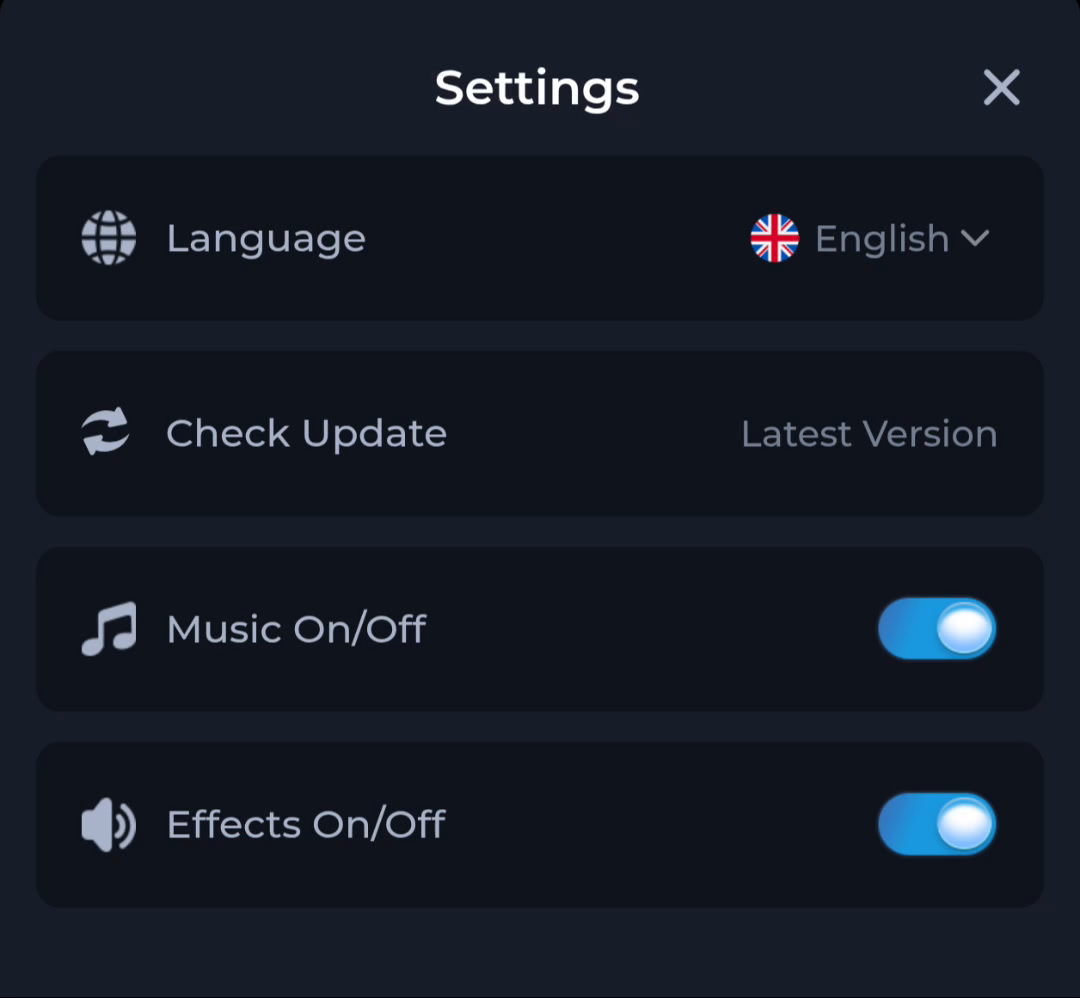
The Settings panel shows Language, Check Update, Music and Effects. These labels organise app preferences and an update action. They are not a full view of phone storage, system version or every Android permission.
Inside Android
The phone's app-information area can show installed-app details and permission controls, depending on the device. Use the system interface for system-level questions. Menu wording differs across manufacturers and Android releases.
Avoid crossing tasks
Changing a music toggle does not free device storage, and clearing Android app data is not equivalent to changing the interface language. Read each confirmation before acting, especially if it can remove local information.
A useful next step
Choose the app panel for app controls and the phone's settings for Android-specific checks.